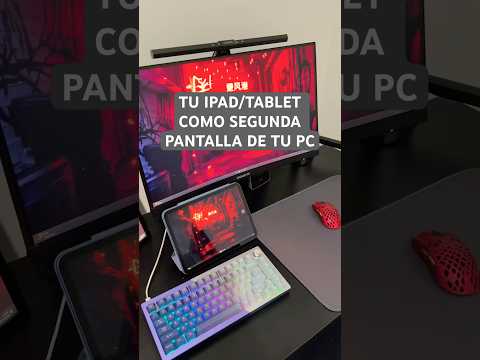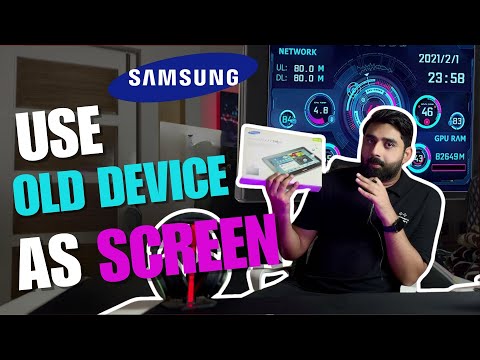
In this video, I’ll show you how to reuse your mobile or tablet as an extra display, perfect for multitasking, gaming, or monitoring PC stats like CPU, GPU, RAM, and FPS.
🔹 For Flashing Custom ROM (Samsung Tablets)
Samsung Drivers: https://developer.samsung.com/android-usb-driver
Odin: https://odindownload.com/
Recovery: https://androidfilehost.com/?w=files&flid=48848&sort_by=date&sort_dir=DESC
Slim Rom (Android 4.4): https://andi34.github.io/roms_tab2_slim.html
🔹 For using as a screen (Samsung Tablets)
Splashtop for Android: https://apkpure.com/splashtop-wired-xdisplay/com.splashtop.xdisplay.wired.free/download
Splashtop for PC: https://www.splashtop.com/products/wiredxdisplay
Chapters
0:00 Intro
2:05 Tutorial to Flash Custom ROM (Drivers, Odin, Recovery, Slim ROM)
12:24 Tutorial to Set Up as a Screen
16:15 Why Old Devices Slow Down
#OldPhone #OldTa…

著者について