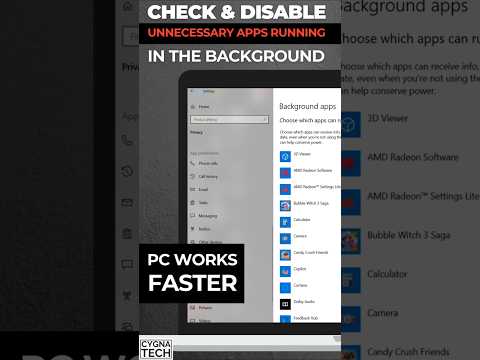
Is your PC taking forever to boot? Does your browser lag when you have just a few tabs open? You don’t necessarily need a new processor. The culprit is likely hiding in your system tray—apps running in the background that you never use, quietly consuming your CPU, RAM, and disk resources . In this 2026 guide, I’ll show you exactly which settings to disable and how to reclaim your PC’s speed.
👉Join our YouTube Community with memberships and get better assistance: https://bit.ly/4eUAneU
💡 PRO TIPS FOR MAXIMUM PERFORMANCE:
Upgrade to an SSD: This is the single biggest performance upgrade you can make.
Add more RAM: 8GB is the minimum for Windows 11; 16GB is recommended for multitasking.
Run Disk Cleanup: Type “Disk Cleanup” in the search bar, select your drive, and delete temporary files.
Use “Adjust for Best Performance”: Type “Adjust the appearance and performance of Windows” in the search bar and…

著者について