Thanks to ViWoods for sponsoring this tutorial I made for you. Please do let me know what else you would like to see demonstrated in this series.
*Viwoods AI Paper* and *AI Paper Mini* :
US (and world): https://viwoods.com/?ref=KITBETTSMASTERS
EU : https://viwoods-eu.com?sca_ref=10104379.G2oU9ZSEONIXcYYv
UK: https://uk.viwoods.com/products/viwoods-aipaper
At Amazon: https://amzn.to/3TFR5Fp
*Viwoods AI Paper* and *AI Paper Mini* :
US (and world): https://viwoods.com/?ref=KITBETTSMASTERS
EU : https://viwoods-eu.com?sca_ref=10104379.G2oU9ZSEONIXcYYv
UK: https://uk.viwoods.com/products/viwoods-aipaper
At Amazon: https://amzn.to/3TFR5Fp
*Discount codes:*
For AI PAPER: $50 discount “KITBETTSMASTERS50”
“Kits” gives $30 USD off and works across all 4 devices
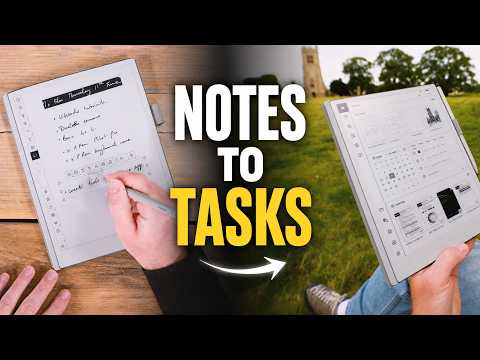
In this video, I’m looking at the Daily app on the ViWoods AI Paper, and how it can turn handwritten planning into proper to-dos, calendar-linked tasks, daily planning, weekly planning and a useful record of what you were working on.
I’ll show how to create typed and handwritten to-dos, how to pull tasks directly out of your notebooks, how the calendar view works with Google Calendar or Outlook, and how logs can help you find the notes, documents and reading you were using o…

著者について