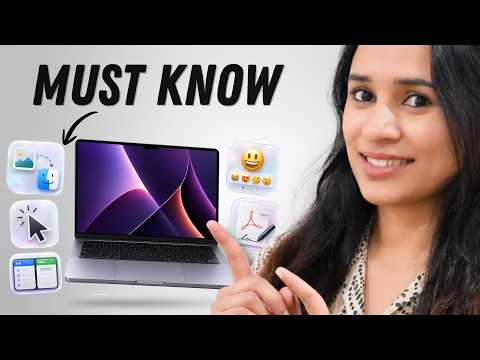
Most MacBook tips videos show you stuff you’ll never touch again. These are the 15 I actually use every day—the ones that save real time, clean up your workflow, and make your Mac more fun to use. Some are hidden in Settings, some are gestures, and some are simple things I genuinely wish I knew years earlier.
Whether you’re a new Mac user or you’ve had your MacBook for years, you’ll find at least a few of these genuinely useful. Let me know in the comments which one was new to you! 👇
Whether you’re a new Mac user or you’ve had your MacBook for years, you’ll find at least a few of these genuinely useful. Let me know in the comments which one was new to you! 👇
Chapters
00:00 – Intro
00:10 – Stickies (quick desktop notes)
01:02 – Urgent Reminders (high priority alerts)
01:50 – Spotlight Search (more than just opening apps)
02:21 – Sign a PDF without printing
03:05 – tomtoc Terra-A27 Laptop Sleeve
04:41 – Hot Corners
05:31 – Drag & Drop trick
06:03 – Emoji & Symbols shortcut
06:34 – Find Your Cursor fast
06:55 – Split Screen multitasking
07:29 – Shortcuts app automation
08:15 – Copy Screenshot to clipboard
08:48 – Hide Distractions in Safari
09:19 – Edit Contro…

著者について