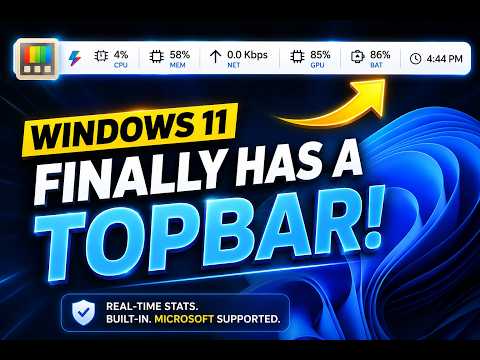
Want a sleek top bar on Windows 11 that displays your CPU, Memory (RAM), GPU, Network, and Battery usage in real time? In this video, I’ll show you how to enable this amazing feature using a Microsoft-supported application. No sketchy third-party software required.
🌐PowerToys:
https://apps.microsoft.com/detail/XP89DCGQ3K6VLD?hl=en-US&gl=MY&ocid=pdpshare
————————————————————
🔥Don’t forget to LIKE, SUBSCRIBE, and hit the 🔔 bell for more !
🔔Subscribe➡️https://tinyurl.com/4rsv5dkc
🔥Got questions? Drop them in the comments below!
————————————————————
☕Buy me a coffee:
https://bmc.link/dtechdoingz
————————————————————-
🔷Related Topic:
Easy Power Toys Tricks Everyone Should Try!
👉https://youtu.be/EO0n_PY8D-w
#Windows11 #Microsoft #Windows #WindowsCustomization #DesktopCustomization #SystemMonitor

著者について