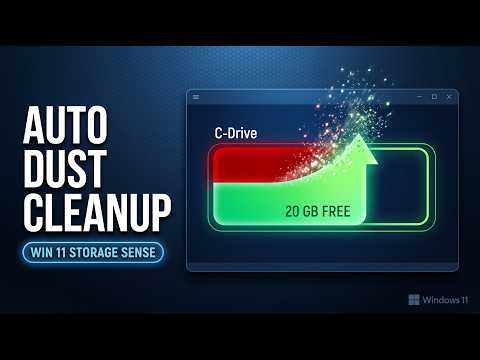
Over time, temporary files, old download logs, and recycle bin items accumulate, taking up gigabytes of precious disk space and slowing down your system. In this step-by-step guide, you will learn how to enable, configure, and schedule Storage Sense to clean up your drive automatically without manual effort.
In this video, you will learn:
How to turn on and configure Storage Sense in Windows 11
Automatically deleting temporary files and clearing the Recycle Bin
Setting up automatic cleanup schedules (Daily, Weekly, or Monthly)
Configuring OneDrive cloud content cleanup to save local storage
Running an instant manual cleanup using Storage Sense
🔔 Subscribe for more Windows 11 guides, PC performance optimizations, and desktop tips!
#Windows11 #StorageSense #CleanJunkFiles #SpeedUpPC #Windows11Tips #PCTutorial

著者について