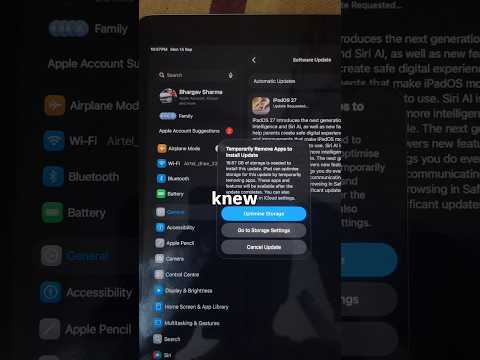
Learn how to update your iPad to iPadOS 27 (iOS 27) and safely install the official software update. This beginner-friendly guide covers compatibility, preparation, installation, initial setup and what to do if Siri AI is missing. This works with the iPad Air, iPad Mini and iPad Pro
Before installing iPadOS 27, I’ll show you how to check your available storage, connect to Wi-Fi and prepare the battery and backup your iPad disclosure. You’ll then see where to download and install iPadOS 27 through Settings.
This tutorial also covers installing the iPadOS 27 beta, checking which iPadOS version is installed and identifying your exact iPad model. Finally, I’ll explain why some iPads can run iPadOS 27 but don’t support Siri AI or Apple Intelligence.
Key Takeaways:
• Prepare and back up your iPad
• Download and install iPadOS 27
• Complete the initial setup
• Check your installed iPadOS version
• Fix confusion when Siri AI is missing
• Check iPadOS 27 and Siri AI compatibility
Watch Nex…

著者について