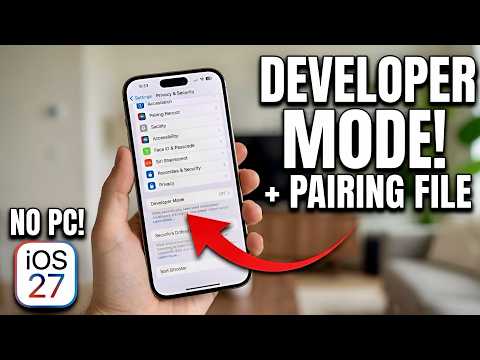
Want to enable Developer Mode on your iPhone or iPad but can’t find the Developer Mode option in Settings? Or do you want to get your iPhone pairing file without using a PC?
In this video, I’ll show you how to enable Developer Mode on your iPhone or iPad and generate your pairing file completely WITHOUT a computer!
I’m testing this method on my iPhone running iOS 27, using an app called LLPair.
With this method, you can:
✅ Enable Developer Mode without a PC
✅ Fix the missing Developer Mode option
✅ Generate your iPhone or iPad pairing file
✅ Save your pairing file directly on your device
✅ Use your pairing file with compatible tools like SideStore and StikDebug
📥 DOWNLOAD LLPAIR:
https://apps.apple.com/za/app/ll-pair-developer-mode/id6819981217
📱 TOOLS THAT USE PAIRING FILES:
SideStore
StikDebug
Other compatible iOS tools
This tutorial is useful for anyone who wants to enable Developer Mode and generate a pairing file without connecting their iPhone or…

著者について