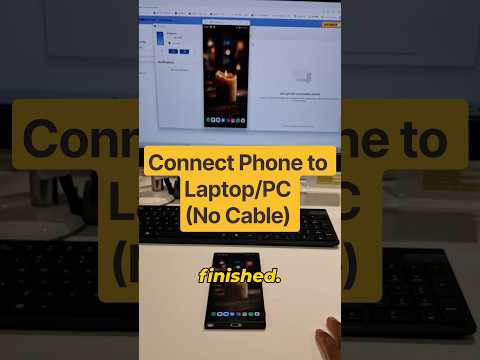
Learn how to connect your Android phone to a laptop or PC wirelessly and mirror your phone screen to your computer in under 30 seconds using the built-in Link to Windows and Microsoft Phone Link apps. No USB cable or third-party screen casting software is required.
Quick Step-by-Step Setup:
0:00 Live Wireless Phone Screen Mirroring Demo
0:03 Open Phone Settings, tap Connected Devices, and enable Link to Windows
0:08 Open Phone Link on your Windows 10 or Windows 11 PC and sign in
0:13 Grant access permissions on your mobile phone
0:18 Click the Phone Screen icon on your computer to start screen sharing
0:20 Scan the QR code or enter the pairing code to finish mirroring
#phonetolaptop #screenmirroring

著者について