Is step-by-step guide mein aap dekhenge kaise Grok website open karni hai, usko install karna hai aur desktop ya taskbar se direct use karna hai. Aap turant AI se questions pooch sakte ho aur responses generate kar sakte ho.
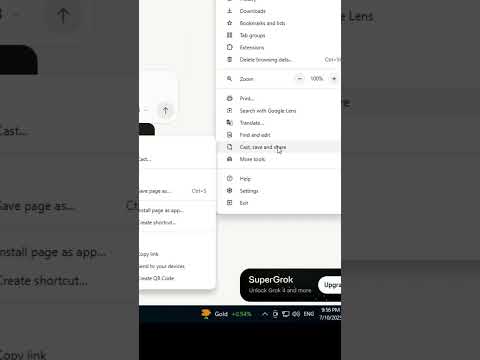
In this video, you will learn how to install Grok AI on a Windows 10 PC or laptop. Since Grok is a web-based AI tool, you can install it as a desktop app using Google Chrome or Microsoft Edge for quick and easy access.
This step-by-step guide will show you how to open the Grok website, install it as an app, and use it directly from your desktop or taskbar. You can start asking questions, generating responses, and exploring AI features instantly.
🛠️ Steps to Install Grok AI in Windows 10:
1 Open Google Chrome or Microsoft Edge on your PC
2 Visit https://gr…

著者について