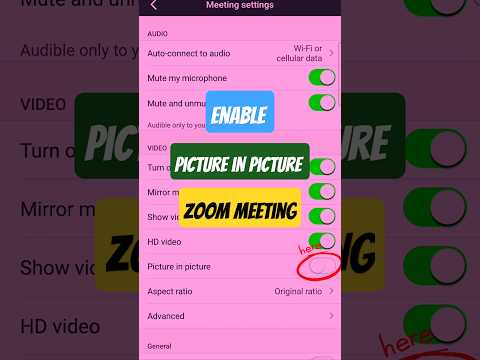
How to Enable Picture in Picture on Zoom Meeting?
Start a meeting: in the Zoom application.
Click on the ‘Share’ button, then choose the file you want to share (like a slide or document).
Select the option: to “Share computer sound” if you need the audio to be heard, and then click “Share” to start the screen share.
Your video will automatically be placed: in a picture-in-picture window, overlaid on the shared screen. You can then move and resize this picture-in-picture window to your preference.

著者について