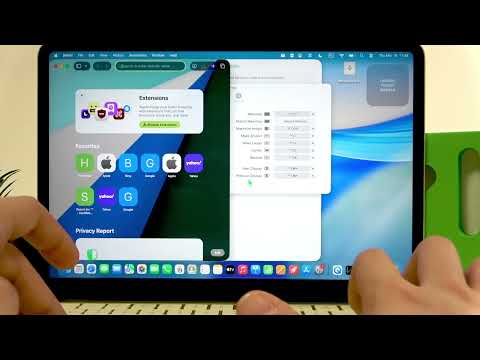
Get the most out of your new MacBook Neo with the first apps you should install. In this video I show easy steps to download and enable three essential free apps: Amphetamine to keep your Mac awake, Rectangle for window snapping and keyboard shortcuts, and Notion for productivity and notes. You’ll learn where to find each app, how to authorize and enable permissions (Touch ID or password), basic settings to customize behavior, and useful shortcuts to speed up your workflow on MacBook Neo. Perfect for first-time MacBook users or anyone setting up a new laptop.
How to install Amphetamine on MacBook Neo?
How to enable Rectangle accessibility on MacBook Neo?
How to download and set up Notion on MacBook Neo?
0:00 Introduction – What this video covers
0:28 Install Amphetamine from the App Store (search & authorize)
1:44 Amphetamine basics – start sessions, indefinite or timed, sleep options
2:56 Download and install Rectangle (RectangleApp.com)
3:40 Enable Rectangle in System Settings and…

著者について