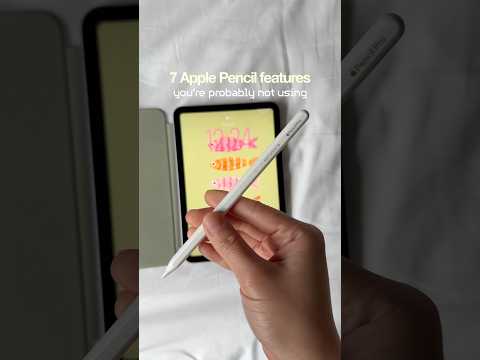
your Apple Pencil can do more than you think ✏️💗🌀 try this next time you pick up your apple pencil ⬇️
1. corner swipe (bottom left) – instant screenshot
2. corner swipe (bottom right) – quick note
3. math notes – write an equation, it solves itself
4. double tap – switch between pen and eraser depending on the app
5. draw a shape and hold to get a perfect shape
6. squeeze the pencil to view the tool palette
7. scribble instead of type anywhere
Device: @Apple iPad mini 7 + Apple Pencil Pro
#ipadmini7 #ipadtips #ipadsetup #ipadnotes #digitalnotes #ipadplanner #digitalplanning

著者について