1️⃣ Download a font importer app like iFonts
2️⃣ Find and download any font from Safari
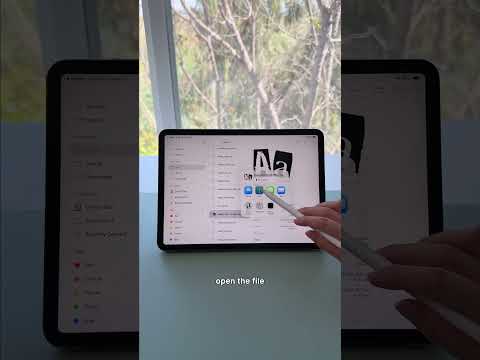
3️⃣ Open the font file and tap Share
4️⃣ Import it into your font app and follow the setup steps
5️⃣ Open your notes app and start using your new fonts
Once installed, you can switch between different styles instantly, making your iPad notes look more aesthetic and visually organized. ✍️📱
.
.
.
👉 Shop Rock Paper Pencil: https://astropad.com/product/rock-paper-pencil/?gad_source=1&gad_campaignid=22153949500&gbraid=0AAAAADieTHXRuBbFhQrKd5n48GRLcVbek&gclid=Cj0KCQiA1czLBhDhARIsAIEc7uin58hFfjf-kEv_JQLz46kbfF0R6GUHPir9hxe0GN5PmOeegD5ELqYaAmwdEALw_wcB
👉 Download Rock Daily Planner: https://shop.astropad.com/products/rock-daily-planner?srsltid=AfmBOopYqWErOHttKg-fCaQvWlGYSerV58WE4tIOrWZi5ddIfLmEFCTb

著者について