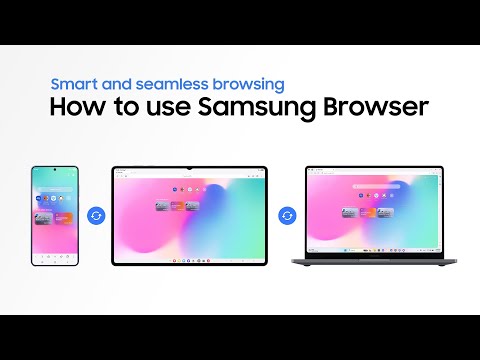
This is the official video guide on how to use Samsung Browser across your Galaxy smartphone, tablet, and PC. Looking for a smarter way to browse? Samsung Browser helps you pick up where you left off on another device and use Galaxy AI to summarize pages, translate content, and get quick answers and insights ✨ Built to make everyday browsing more streamlined and easier to manage, it’s ideal for users who want to stay in the flow and get more done across their Galaxy devices 🚀 Learn more: http://smsng.co/SamsungBrowser_HowTo_yt
00:00 Intro
00:07 Basic setup
00:46 Connect your devices
02:22 Summarize & translate
03:29 Ask anything & get answers
04:31 Additional device setup
Follow these steps to easily use Samsung Browser across your Galaxy devices:
Step 1: Set up Samsung Browser. Visit browser.samsung.com to download Samsung Browser on your PC. Install and open it, then sign in with the same Samsung Account on your Galaxy smartphone, tablet, and PC.
Step 2: Connect your dev…

著者について