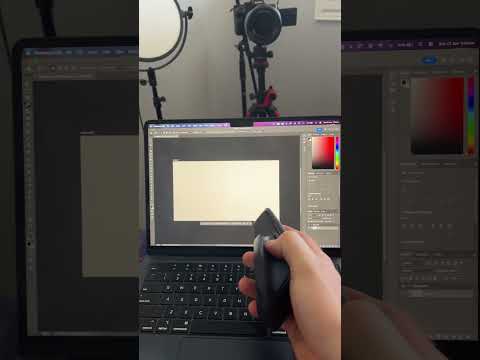
In this video, I show you how the Actions Ring feature works on the Logitech MX Master 4.
The Actions Ring gives you quick access to shortcuts, tools and app-specific actions directly from your mouse. Instead of digging through menus or remembering keyboard shortcuts, you can bring up the Actions Ring and quickly choose the command you need.
I’ll show you how to open the Actions Ring, how to customise it in Logi Options+, and how it can be used for productivity, editing, browsing, multitasking and creative workflows.
This is one of the biggest new features on the MX Master 4, especially if you use your mouse for work, content creation, video editing, design, spreadsheets or everyday computer tasks.
If you’ve just bought the Logitech MX Master 4 or you’re thinking about upgrading, this is one feature you definitely need to try.

著者について