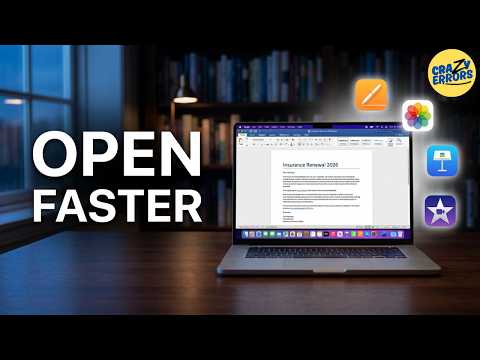
Most of us open files backwards — we open the app first, wait, then dig for the file we wanted the whole time. And even when a file opens, it opens in whatever app your Mac picked… which often isn’t the one that gets you the best result. This one fixes both. Start from the file, and send it to the right app — no downloads, it’s all already on your Mac:
– Put your most-used apps in the Finder toolbar and drop files on them
– Open a file in the exact app you want (Open With / Change All)
– Photos vs Preview — real editing your Mac already has
– Got a Word file and no Word? Open it in Pages
– Trim a video in QuickTime — or edit it properly in iMovie (already installed)
– Check a whole folder in seconds with Quick Look and the arrow keys
By the end, you’ll stop hunting for files inside apps — and start getting the
right file, in the right app, faster.
CHAPTERS:
0:00 You’re opening files backwards
0:34 Put your apps in the Finder toolbar
1:19 Open a file in the app you want
2:03 Fix a f…

著者について