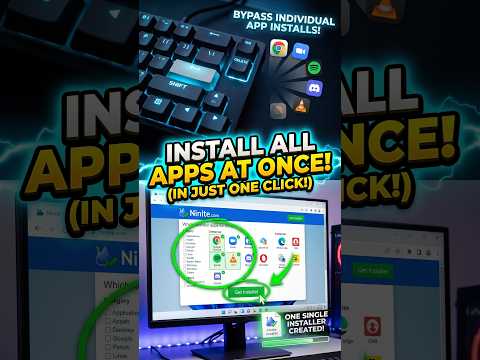
Learn how to bundle and install all your favorite Windows software at once using Ninite.
Whether you are setting up a new computer or refreshing Windows 11, you can grab essential apps like Chrome, Zoom, 7-Zip, VLC Media Player, Spotify, and VS Code in a single custom installer.
📌 How to Install Multiple PC Apps at Once (Step-by-Step):
1. Go to Ninite.com & Tick Your Apps: Open up your browser, go to ninite.com, and tick the checkboxes for all the software you want to download.
2. Click ‘Get Your Ninite’ & Open File: Scroll down and click Get Your Ninite. It bundles all your selected apps into one single installer file—just click to open it and you are done!
3. Silent Background Install (No Pop-Ups!): Experience visual magic with zero setup pop-ups as Ninite installs all your apps silently in the background.…

著者について