Windows 11 Point In Time Restore SAVED My PC From a DODGY Download
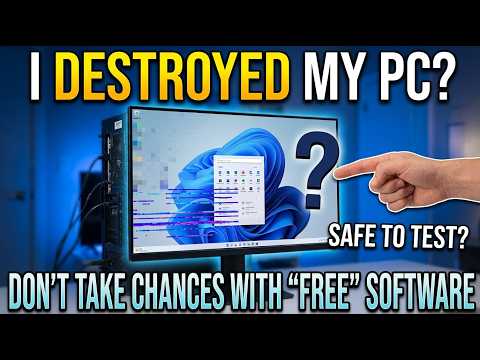
Is free, open-source PC maintenance software always safe to use? In today’s video, I take a look at WinZenith—a utility promising all-in-one driver updates, duplicate file cleaning, and system optimizations.
Is free, open-source PC maintenance software always safe to use? In today’s video, I take a look at WinZenith—a utility promising all-in-one driver updates, duplicate file cleaning, and system optimizations.
Things start off fine, but after using the permanent delete feature on duplicate files, Windows 11 completely broke! Join me as we walk through the warning signs, user interface red flags, the crash, and how Windows 11’s Point-in-Time Restore saved my system.
⚠️ Key Takeaways & Safety Tips Before Testing New Tools:
Always Backup: Create a full system backup, registry backup, or enable System Restore before running utility software.
Watch for UI Glitches: Inaccurate measurements or silent failures are often early warning signs of unstable software.
Be Careful with Cleaners: Deleting “duplicate” system or program files permanently can crash Windows dependencies.
Windows 11 Recovery: Learn how Point-in-Time Rest…

著者について