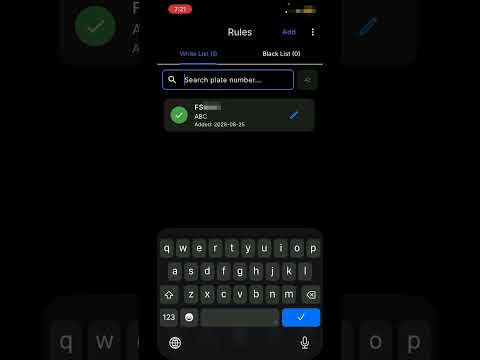
The mobile app scans license plates in the field. Detections sync to the cloud, where vehicle info (make, model, colour, type, nation) is resolved and synced back to the app. The desktop viewer then pulls the same data down, so everything captured on the phone can be reviewed comfortably on a large screen.
▬▬ IN THIS VIDEO ▬▬
• Launch the MareArts ANPR mobile app
• Start scanning
• Sync — detections upload, vehicle info (MMC) processing begins
• Sync — make / model / colour results come back
• Launch MareArts ANPR Desktop
• Sync — the desktop pulls down what the phone captured
▬▬ GET THE APP ▬▬
Mobile app (iOS & Android) — search “marearts anpr” on the App Store or Google Play
Free trial: 10 scans per day, no login required.
Desktop viewer (Windows, macOS, Linux) — free download, same account:
https://www.marearts.com/pages/anpr-desktop-download
Web viewer — review your detections in any browser:
https://www.…

著者について