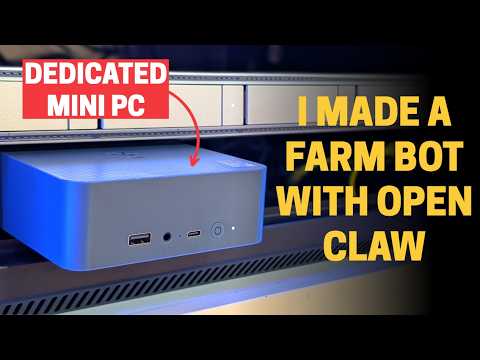
I’m the only one that has any real day-to-day idea of what my home automation does, so for this one I set up an AI agent — I’m calling her Yabby — using the open-source, self-hosted framework OpenClaw, running on a dedicated @Beelinkchannel EQi mini PC (Wildcat Lake, Intel Core 3-304). Yabby gets wired into my existing Home Assistant setup, so she can check tank levels, tell me if lights are on, and even flip them on or off — and she’s reachable over WhatsApp from my phone or anyone else in the household, not just from the machine itself. This video walks through unboxing the EQi, why I picked OpenClaw, where it lives in my server rack, and getting the whole thing up and running.
———————————————–
———————————————–
Beelink EQi: https://beelink.sjv.io/WOveNJ
OpenClaw: https://openclaw.ai/
Docs / install guide: https://docs.openclaw.ai/install
Windows Hub app (easiest install path): https://github.com/openclaw/openclaw-windows-node/releases/latest
Home Assistant skill (hom…

著者について